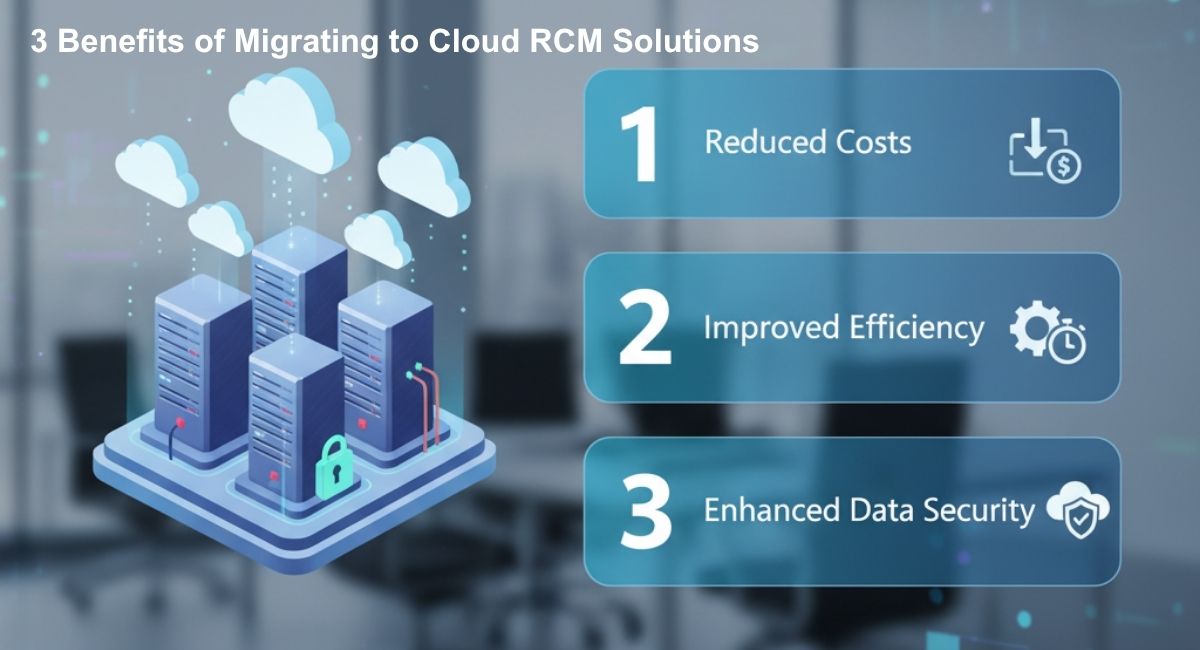
Healthcare providers today face increasing pressure to optimize revenue cycles while maintaining patient satisfaction. Managing medical billing, coding, and claims manually or through outdated systems can result in delayed reimbursements, revenue leakage, and operational inefficiencies. Modern cloud RCM solutions provide a robust alternative, offering automation, analytics, and scalability. For healthcare organizations exploring our Medical Billing and Medical Coding services NYC, transitioning to cloud-based platforms is a strategic move that can transform revenue management.
This manual guide explores the top three benefits of migrating to cloud RCM solutions in depth, offering actionable insights for healthcare practices of all sizes.
What Is Cloud RCM and Revenue Cycle Migration?
Before diving into benefits, it’s important to clarify what cloud RCM entails. Revenue Cycle Management (RCM) refers to the end-to-end process of managing claims, payments, and patient revenue. Traditionally, RCM relied on on-premises software, spreadsheets, and manual workflows. Cloud RCM, by contrast, leverages internet-based platforms to centralize data, automate tasks, and provide real-time reporting.
The process of revenue cycle migration involves moving from legacy systems to cloud RCM platforms. This transition ensures:
- Real-time visibility of claims and payments
- Reduced manual intervention
- Faster revenue recognition
- Integration with Electronic Health Records (EHR) and other practice software
For example, Practice Software can be integrated with cloud RCM platforms to synchronize patient scheduling, billing, and reporting, eliminating redundant data entry.
Benefit 1: Improved Financial Performance and Revenue Accuracy
Financial stability is the cornerstone of any healthcare practice. Inefficiencies in claim submissions, coding errors, and delayed payments can negatively impact cash flow. Cloud RCM platforms address these issues directly.
How Cloud RCM Improves Financial Performance
- Faster Claims Processing: Automation and built-in validation reduce delays in claim submission. Claims that once took days to verify can now be processed in hours.
- Minimized Errors: Advanced coding algorithms and real-time error alerts prevent common mistakes that lead to denials.
- Enhanced Analytics: Dashboards display claim status, outstanding balances, and payer performance, allowing administrators to make informed financial decisions.
| Financial Metric | Legacy RCM | Cloud RCM |
| Average Claim Submission Time | 2-3 days | Hours |
| Denial Rate | 10-15% | 2-5% |
| Revenue Leakage | High due to manual errors | Low with automated checks |
| Reporting Frequency | Weekly or monthly | Real-time |
Case Example: A multi-specialty clinic that integrated cloud RCM with AR Recovery saw a 25% reduction in aged accounts receivable within six months, highlighting the impact on revenue performance.
Cloud RCM also allows providers to implement SaaS-based billing models, simplifying subscription and recurring charges for practices offering specialized care or membership-based services.
Benefit 2: Operational Efficiency and Workflow Optimization
Operational inefficiencies in healthcare often arise from disconnected systems and repetitive manual processes. Cloud RCM consolidates multiple workflows into a single platform, resulting in measurable efficiency gains.
Key Efficiency Improvements
- Centralized Access: Staff across departments can access a unified system, reducing duplication of effort.
Automated Workflows: Tasks such as claim follow-up, payment posting, and denial management are automated, saving significant staff time. - SaaS Billing Integration: Cloud RCM platforms can integrate with subscription-based billing, improving cash flow for specialized services.
| Workflow | Traditional Approach | Cloud RCM Approach | Time Saved |
| Claim Follow-up | Manual calls and emails | Automated alerts and status tracking | 60-70% |
| Payment Posting | Daily manual reconciliation | Real-time posting | 2-3 hours/day |
| Denial Management | Manual review | Automated notifications with suggested actions | 4-5 hours/week |
Integrating cloud RCM with other healthcare services, such as Credentialing, ensures that all provider credentials and payer contracts are maintained accurately across multiple locations. This reduces administrative bottlenecks and ensures timely claim submissions.
Example: A cardiology practice that migrated to cloud RCM reduced manual claim follow-ups from 20 hours/week to just 5 hours/week, allowing staff to focus on patient care.
Benefit 3: Scalability and Compliance
Healthcare practices must navigate evolving compliance standards such as HIPAA, HITECH, and payer-specific regulations. Cloud RCM platforms provide flexibility and regulatory support that legacy systems cannot match.
Scalability Advantages
- On-Demand Resource Expansion: Cloud infrastructure allows practices to scale software features and storage capacity without significant upfront costs.
- Multi-Site Integration: Practices with multiple clinics can consolidate billing operations into one platform, ensuring consistency and control.
- Automated Updates: Cloud RCM providers release regular updates to comply with new regulations, reducing risk and administrative overhead.
| Compliance & Scalability | Legacy System | Cloud RCM |
| HIPAA Compliance | Requires manual audits | Built-in compliance monitoring |
| Software Updates | Manual installation | Automatic updates |
| Multi-Site Management | Difficult | Centralized and integrated |
| Growth Adaptation | Hardware dependent | Cloud-based, elastic resources |
Example: A multi-specialty neurology clinic integrated cloud RCM with EHR Integration to manage patient records and billing across four locations. The result was standardized processes and a 30% reduction in administrative delays.
Additional Advantages
In addition to the top three benefits, cloud RCM platforms provide:
- Data-Driven Decisions: Analytics allow practices to track KPIs like denial rates, AR days, and revenue trends.
- Enhanced Patient Experience: Faster, accurate billing improves patient trust and satisfaction.
- Remote Access: Staff can securely access systems from multiple locations, supporting telehealth operations.
- Specialty-Specific Support: Platforms can be customized for various specialties, including Obgyn and Pain Management.
| Specialty | Cloud RCM Benefit |
| Cardiology | Faster claim processing for high-volume procedures |
| Neurology | Efficient coding for complex cases |
| Pediatrics | Streamlined insurance verification for multiple dependents |
| Dermatology | Improved collections for cosmetic procedures |
Manual Guide for Migrating to Cloud RCM
Transitioning to cloud RCM requires careful planning and structured execution. Here’s a step-by-step manual to guide your migration:
- Assessment and Goal Setting
- Audit current billing, coding, and claim workflows.
- Identify inefficiencies, such as delayed claims or high denial rates.
- Set measurable objectives, including reduced AR days and improved claim accuracy.
- Vendor Selection
- Evaluate providers based on features, compliance, and integration capabilities.
- Check compatibility with existing EHR and Practice Software.
- Consider scalability, customer support, and reporting tools.
- Data Preparation and Migration
- Audit patient records, billing, and claims data.
- Map legacy fields to cloud RCM system fields.
- Conduct test migrations to ensure accuracy and completeness.
- Staff Training
- Provide role-specific training for billing, coding, and administrative teams.
- Include practice scenarios to ensure staff confidence in new workflows.
- Implementation
- Implement the system in phases to minimize disruption.
- Monitor claims, denials, and payment posting closely during the transition period.
- Optimization and Monitoring
- Use analytics dashboards to track KPIs and adjust workflows.
- Continuously review performance to identify opportunities for improvement.
| Migration Step | Key Actions | Expected Results |
| Assessment | Audit current workflows | Identify inefficiencies |
| Vendor Selection | Compare providers | Optimal feature fit |
| Data Migration | Map and test data | Accurate system population |
| Training | Hands-on workshops | Staff readiness |
| Implementation | Phase rollout | Smooth transition |
| Optimization | KPI tracking | Continuous improvement |
Frequently Asked Questions
Q1: How long does it take to migrate to cloud RCM?
Migration depends on practice size and complexity. Small clinics can migrate in 4-6 weeks, while multi-specialty practices may need 2-3 months.
Q2: Is patient data secure in cloud RCM systems?
Yes. Reputable providers use encryption, secure logins, and regular audits to comply with HIPAA standards.
Q3: Can cloud RCM integrate with EHR systems?
Yes. Platforms often integrate with EHR systems for synchronized billing and patient records. Services like EHR Integration make this process smooth.
Q4: Will staff need extensive training?
Most cloud RCM systems have intuitive interfaces. Role-specific training ensures staff are confident in claim management, reporting, and workflow tasks.
Q5: Are cloud RCM solutions cost-effective for small practices?
Yes. Subscription pricing, reduced claim errors, and automated workflows offset the initial investment.
Q6: Can cloud RCM handle specialty-specific billing?
Absolutely. Cloud RCM platforms can manage complex coding and claims for specialties such as Cardiology, Neurology, and Obgyn.
Q7: How does SaaS billing work with cloud RCM?
SaaS billing enables recurring charges for subscription services, memberships, or bundled care packages, streamlining revenue streams for practices.
Final Thoughts & Next Steps
Migrating to a cloud-based RCM solution is no longer just an option—it’s a necessity for healthcare providers who want to stay competitive, compliant, and financially strong. From faster reimbursements to streamlined workflows and long-term scalability, the benefits of cloud RCM are clear.
At eBridgeRCM LLC, we specialize in helping healthcare organizations transition seamlessly to advanced cloud RCM platforms while optimizing Medical Billing, Coding, AR Recovery, and Credentialing services. Our tailored solutions are designed to reduce denials, improve collections, and empower providers to focus on patient care rather than paperwork.
Ready to transform your revenue cycle? Connect with us today to learn how our cloud-based RCM services can drive efficiency and growth for your practice.
Visit our website at eBridgeRCM LLC to get started.